A Monitor Arm That Frees the Surface and Gives Your Desk Main Character Energy
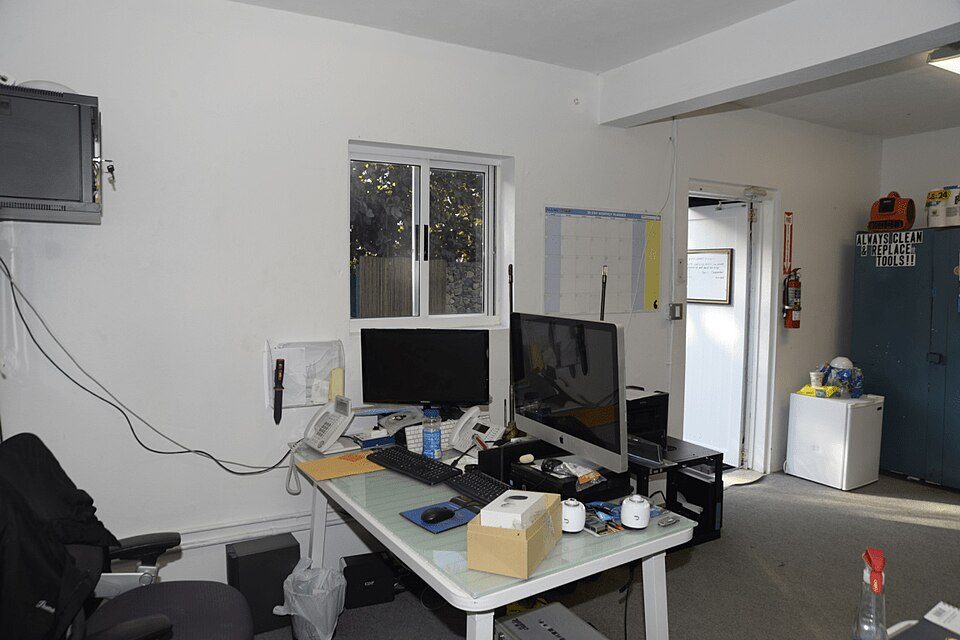
Your desk is not a storage unit. It is where you game, study, make edits, snack, and pretend to be productive. But if your monitor sits on a chunky stand, that stand is eating prime real estate. A monitor arm is the clutch fix. It is a strong arm that holds your screen up in the air so the screen floats above the desk instead of sitting on it. That sounds simple, and it is. But simple can totally change the vibe of your whole setup.
Think about what is under your screen right now. Maybe there is a stack of notebooks, a half-dead plant, a drink, and a charger fighting for space. The monitor stand is probably hogging the middle like it pays rent. A monitor arm takes that space back. The screen hangs from a pole or a clamp on the desk edge, and the arm reaches out to hold it. Now the area under the screen is open. You can slide your keyboard back, put your notes there, or just enjoy the clean look. Empty space is not wasted space. It is breathing room for your brain.
The best part is how it moves. Most monitor arms have joints that let you pull the screen closer, push it back, tilt it, or turn it. You can change the angle when you switch from homework to gaming to watching stuff. No more stacking books under the monitor like a cave person. No more sliding down in your chair because the screen is too low. You can raise it to eye level so your neck is not bent like a question mark. Small moves can make a long study session feel way less rough.
A monitor arm also makes your desk look like it got a glow-up. When the screen floats, the desk looks bigger and way more intentional. Cables can run along the arm and hide behind it, so you do not have a spaghetti situation. A clean desk hits different. You can actually find your mousepad. You can put a cool lamp or a little figure under the screen without it looking crowded. The setup starts to feel like a space you picked, not a pile you survived.
But do not just grab any arm and call it a day. Check three things first. One, your monitor needs to fit the arm’s weight and size range. Too heavy and the arm will droop. Too light and it might spring up. Two, your desk needs to work with the mount. Some arms clamp to the edge. Some need a hole. Some need a stronger desk. Three, your screen needs the right mounting spots on the back. Many monitors have them, but not all. A quick check saves a big headache.
Setup is not hard, but it is a two-person job for real. One person holds the screen while the other tightens the arm. Clear the desk first. Put the clamp where it will not crush a drawer or hit a leg. Keep the screen a little far from your face at first, then pull it in. Adjust the height so the top of the screen is near your eye level. Tilt it so you are not fighting glare. Then do the cable thing. A few zip ties or clips can make the whole arm look like it came from a pro.
One small catch is that a monitor arm is not magic. You still need to measure. You still need to tighten it. And if you move your desk a lot, a clamp arm can be a little extra to pack. But for most people, the trade is worth it. You lose one clunky stand and gain a whole zone for your stuff. That is a solid deal for real. Trust me.
The real win is not just a floating screen. It is control. You control where the screen sits. You control what is on the desk. You control the look. A monitor arm frees the surface, and a free surface makes room for the stuff that matters. Your notes. Your setup. Your snack. Your vibe. That is the kind of tech flex that actually helps every day. Your desk can be more than a place where stuff lands. With one smart arm, it can feel like your dream desk finally showed up.